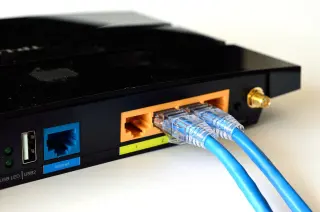
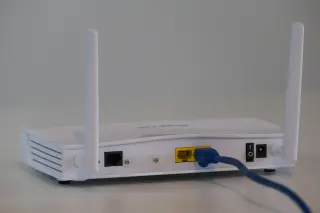
The purchase most desks need
For a new cable between a computer and a home router, start with a factory-terminated Cat 6 copper patch lead, long enough to follow the actual route without pulling tight. Keep an existing Cat 5e lead if it already provides a stable connection at the speed your equipment supports. Choose Cat 6A when you specifically want a 10-gigabit connection over a longer run.
This guide covers ordinary RJ45 copper Ethernet connections inside a home. The buying decisions apply across computers, consoles and network equipment; the optional link check below targets Windows 11 with Windows PowerShell. Installing permanent wiring inside walls needs a separate installation plan.
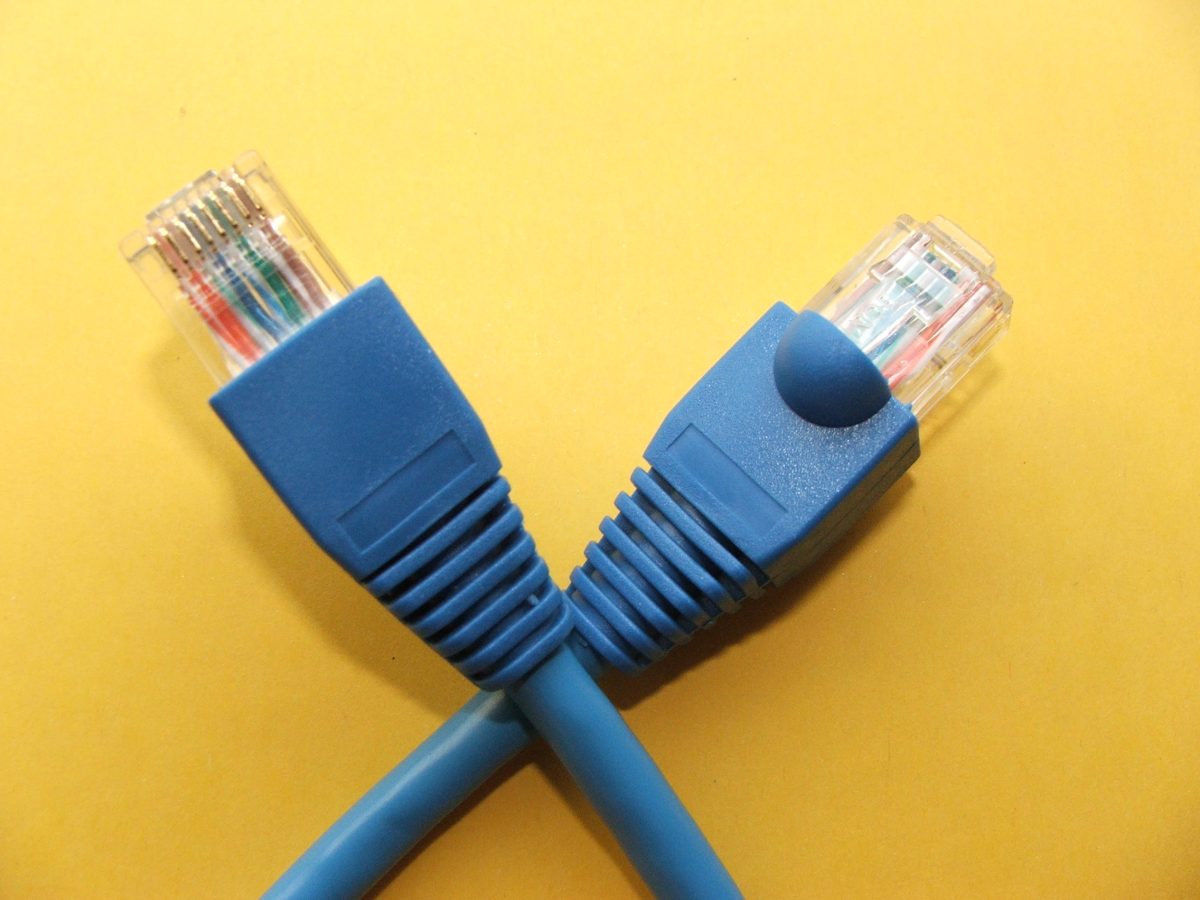
Read the two ports before the cable listing
Write down the exact computer or USB Ethernet adapter model and the router or switch port you will use. Check their specifications for supported Ethernet rates. A USB-C socket does not establish the speed of an attached Ethernet adapter, and a router can have ports with different limits. Use the LAN port intended for your device rather than moving the provider's WAN connection.
A hypothetical example: a desktop with a 2.5GbE port connected to a 1GbE router LAN port has a 1-gigabit ceiling on that link, even with Cat 6A. Putting a 2.5GbE switch between them can provide faster local transfers to another capable device on that switch, but the router uplink remains 1GbE. Buy for the specific connection you intend to improve.
Your internet subscription is a separate limit. Replacing a working cable cannot turn a 300 Mbps service into a gigabit service. Conversely, moving files between a computer and a home storage device may benefit from faster local Ethernet without any change to your subscription.
Use category and distance together
Intel's cable guide lists the following BASE-T combinations. These are supported link rates and distance limits, not promised application throughput. The installed cable and its terminations must meet the relevant requirements.
| Category | Relevant capability | Buying decision |
|---|---|---|
| Cat 5e | 1 and 2.5 Gbps up to 100 m | Keep a sound existing lead for these rates. |
| Cat 6 | 1, 2.5 and 5 Gbps up to 100 m; 10 Gbps up to 55 m | A practical new patch lead for everyday connections. |
| Cat 6A | 10 Gbps up to 100 m | Choose for a planned longer 10-gigabit connection. |
For Cat 6 at 10 gigabits, treat 55 m as an upper limit subject to installation conditions, not a guarantee for every bundle or existing run. Include the entire connected path when estimating length, including patch leads and wall wiring. A better short lead cannot upgrade an unknown cable hidden between two wall sockets.
NETGEAR recommends Cat 6 or better for new multi-gigabit connections, while allowing Cat 5e for gigabit use. That conservative purchasing advice does not mean working Cat 5e must be discarded before trying 2.5GbE. For an ordinary desk connection, there is little reason to pay extra solely for a higher category number than your planned link needs.
Make the listing answer these questions
- Is it copper throughout?
- Look for an explicit copper-conductor specification. Avoid CCA, meaning copper-clad aluminum. Fluke Networks explains that CCA products can masquerade as category cable and have resistance problems, especially when carrying Power over Ethernet. If the material is unspecified, ask for the manufacturer's datasheet or choose a better-documented product.
- Is it ready to connect?
- For a desk, buy a finished RJ45 patch lead with both plugs attached. Bulk cable plus a bag of plugs creates a termination project. Do not assume a metal connector shell, gold-coloured contacts or a thick jacket proves category compliance.
- Does the length fit the route?
- Measure around furniture and along the intended cable channel. Hypothetically, a 3.2 m route plus 0.5 m for movement needs at least 3.7 m; a 5 m lead gives more room than a 3 m lead. Keep the surplus in a loose loop, away from chair wheels and door edges.
- Does the construction fit the job?
- For a normal indoor patch connection, an unshielded Cat 6 lead is a reasonable starting specification. If an installation calls for shielding, follow the equipment and cabling design rather than choosing a shiny plug. For walls, outdoors or powered access points, check the manufacturer's installation and power specifications; category alone does not specify jacket suitability.
Save the product model, conductor specification and length with the order. A listing full of speed slogans but missing those details gives you little to compare when the delivered cable looks different.
Inspect it before routing it
Under good light, inspect the plug's row of eight contacts and the clear plastic body for obvious damage or debris. Check that the latch is intact and that the cable jacket is not split or sharply crushed. The close-up illustrates where to look; visible contacts cannot establish electrical continuity, copper composition or category.
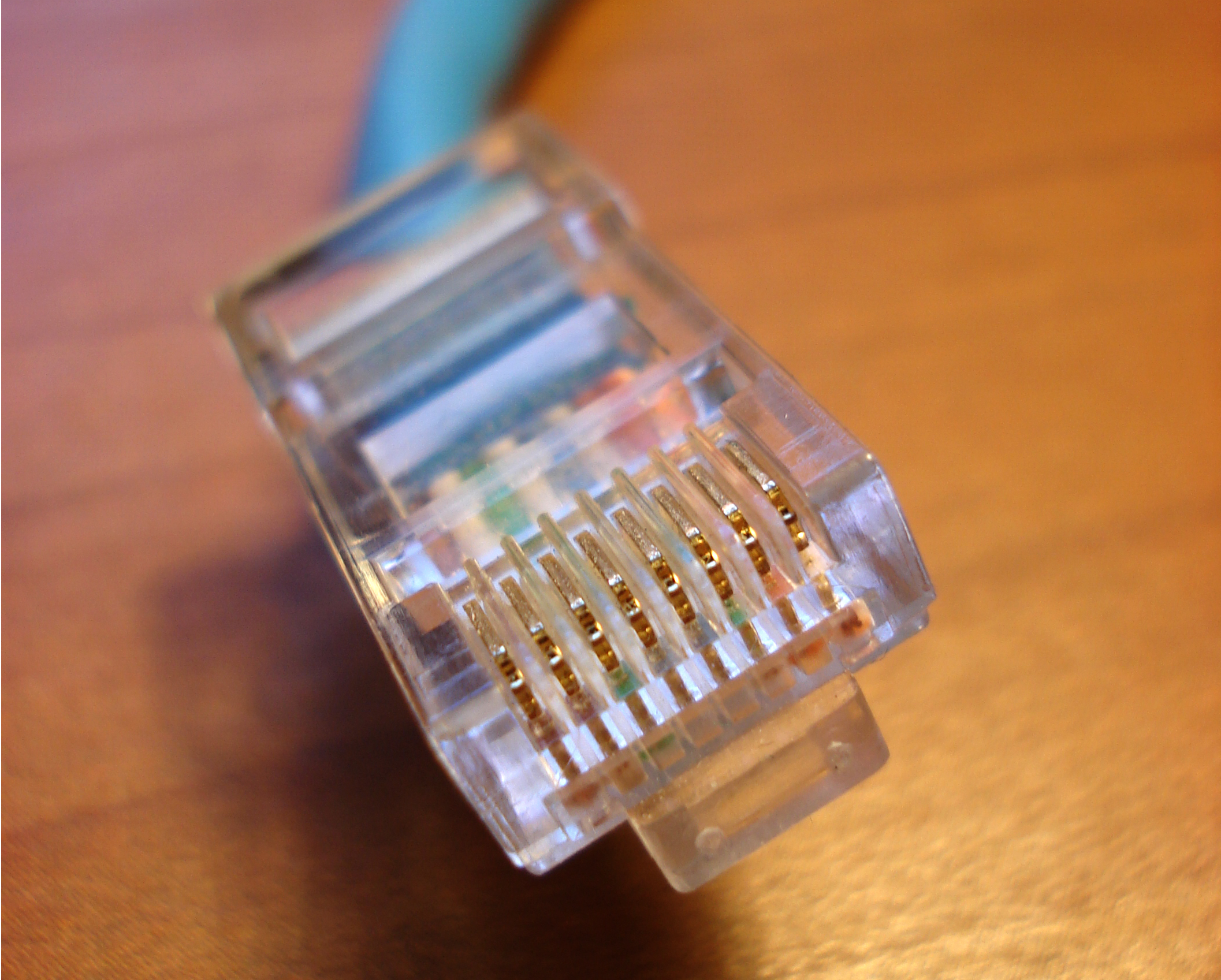
Inspect the contact row and plastic body for obvious damage or debris. This photograph shows their location, not a continuity test or proof of cable category.
Version notes
Hardware reference, photographed 28 March 2009. Checked 2026-10-31 for the visible eight-contact connector features used in this inspection. No software version or current product recommendation claimed. Display photograph resized for loading speed; the full-size link preserves the original download.Read the category marking on the jacket where present and compare the packaging with your order. If the specifications disagree, keep the packaging and resolve the mismatch before installation. Do not cut open a new cable to identify its conductor material.
Connect the computer to a spare router LAN or switch port before securing the cable along its route. Insert each plug until its latch engages without forcing it. To remove it, depress the latch and pull the plug body. If a bulky protective boot prevents proper seating beside another connector, choose a lead that fits instead of forcing the socket.
Check the link, then decide whether to keep it
On Windows 11, search Start for Windows PowerShell and open it. Run this read-only command, based on Microsoft's Get-NetAdapter documentation:
Get-NetAdapter -Physical | Select-Object Name, InterfaceDescription, Status, LinkSpeedFind the wired adapter by its description; the list may also include Wi-Fi. With both ends connected to powered equipment, expect its Status to become Up and LinkSpeed to show the negotiated rate. A hypothetical 1 Gbps result is appropriate between two gigabit ports. This reports the immediate adapter link, not internet throughput or a certification of the cable.
If the rate is unexpectedly 100 Mbps, confirm that both ports support more, reseat both ends, and swap in a known-good short lead while keeping the same ports. If that restores the expected rate, the original cable or intervening wall path deserves investigation. Try a second suitable LAN port if the replacement also negotiates slowly. Change one thing at a time; do not force speed and duplex settings to disguise the symptom.
If Status stays Disconnected, check seating and power first. If the command is unavailable or the adapter is absent, check the adapter manufacturer's Windows support and driver instructions; a cable purchase cannot repair a missing driver. Reconnect the previous working lead if necessary. Once the link behaves as expected, route the new cable, check again, and retain the receipt until ordinary use is stable.
Sources, versions & scope
The steps describe the documented controls and expected checks; they are not a claim that every device or software release has been physically tested. Platform and version differences are stated with the procedure.